


.png) Chris Carolan
Chris Carolan
1 min read
December 01, 2025 HubSpot Updates - Run Agent Workflows Action
.png?width=30&name=Chris%20Carolan%20(3).png) Chris Carolan : Dec 1, 2025, 12:54:16 PM
Chris Carolan : Dec 1, 2025, 12:54:16 PM
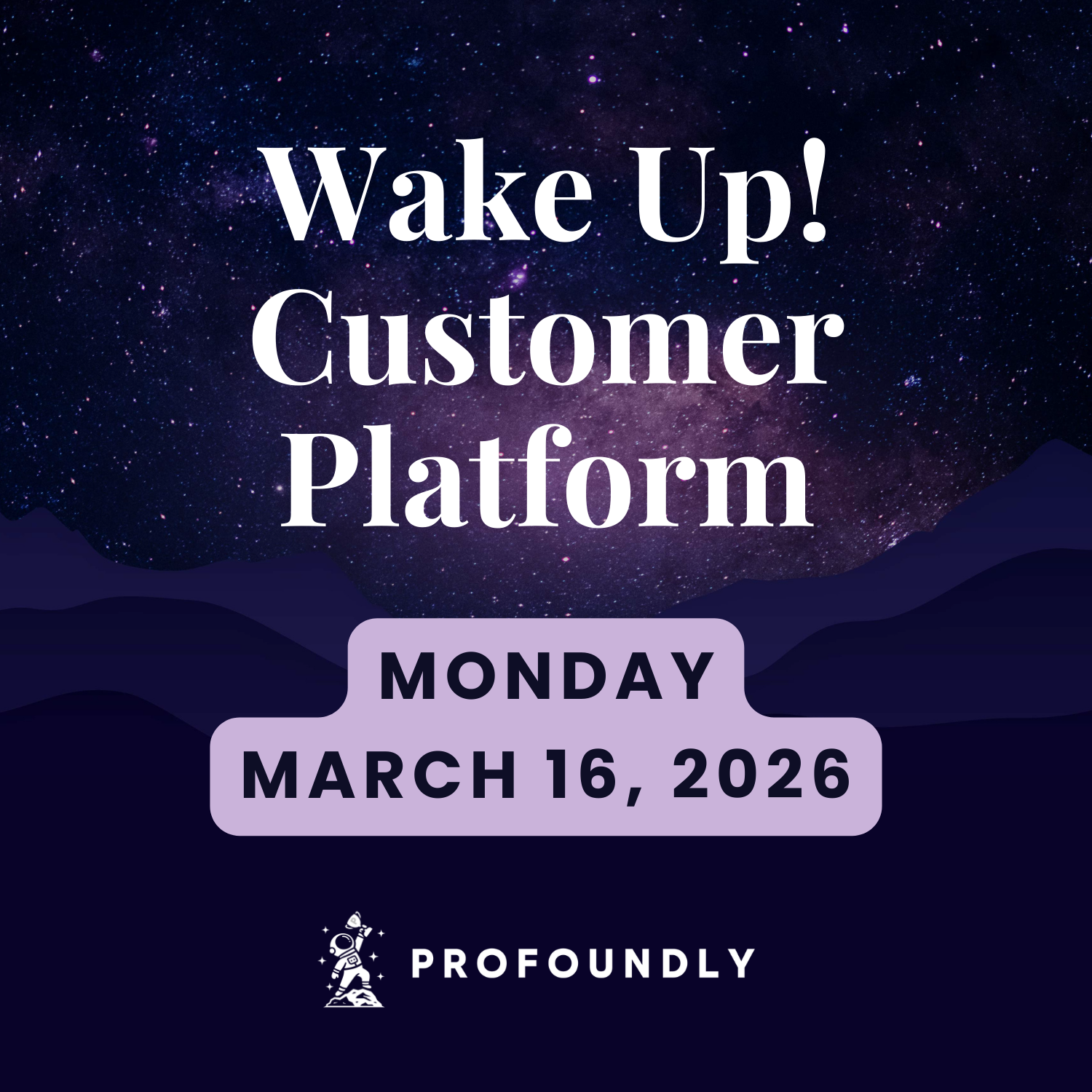
On March 16, 2026, the Wake Up Customer Platform show covered nine HubSpot platform updates spanning workflow automation, AI agent behavior changes, Commerce Hub improvements, and reporting enhancements. With two major scheduled changes approaching in April, today's updates signal a push toward tighter CRM integration and more disciplined AI-driven outreach.
This batch includes a long-awaited meetings-based workflow capability now in beta, a significant behavioral change to the prospecting agent, and a structural update to the Sales Workspace that will automatically roll out to all accounts. Several updates also address invoice management, notification routing, and reporting formula creation.
Users can now manually retry failed subscription card payments in Commerce Hub, providing greater control over revenue recovery. Rather than waiting for automated retries or chasing buyers to update their payment details, teams can take immediate action when a subscription payment fails.
Why It Matters: Failed payments represent direct revenue risk, and delayed recovery compounds that risk over time. Manual retry capability gives teams the ability to act immediately on critical payment failures and maintain consistent cash flow.
For more details, visit: Manually Retry Failed Card Payments
Starting April 14, 2026, every adaptive enrollment in the prospecting agent will automatically complete after 30 days. If a prospect has not replied or booked a meeting by day 30, the enrollment completes automatically. Contacts already enrolled for more than 30 days on April 14 will move to finished status. Re-enrollment remains available at any time, manually or through a workflow.
Why It Matters: Outreach signals lose value over time, and open-ended enrollments can lead to stale outreach that degrades sender reputation. A 30-day window keeps the agent focused on fresh contacts, provides clear visibility into where every contact stands, and makes re-enrollment a deliberate decision rather than an open-ended default. Teams should audit active enrollments before April 14 and consider setting up re-enrollment workflows to avoid gaps.
For more details, visit: Prospecting Agent 30-Day Automatic Enrollment Completion
On April 27, 2026, the Sales Workspace will be updated to work directly with the Smart CRM. The workspace's custom-built interfaces, including the prospects tab, deals tab, and task playlists, will be replaced with native CRM index pages. All accounts on the current workspace will be automatically switched to the updated experience on this date.
Why It Matters: The Sales Workspace and Smart CRM have operated as two separate systems, requiring admins to configure views twice, train reps on two interfaces, and wait for new Smart CRM features to be custom-rebuilt for the workspace. This update unifies them into a single setup, one interface, and one experience that stays current automatically as CRM index pages continue to evolve.
For more details, visit: Sales Workspace: Smart CRM Integration
Users can now exclude specific imported sub-URLs from being recrawled and refreshed during periodic sync cycles for the customer agent. Excluded URLs are moved to a dedicated excluded tab and are no longer used as knowledge sources in customer agent conversations.
Why It Matters: When using domain crawling to import knowledge sources, subpages are automatically recrawled on a recurring schedule. This caused problems when outdated, irrelevant, or problematic subpages could not be excluded without deleting the entire domain. Granular URL-level control allows teams to curate exactly which content informs the customer agent.
For more details, visit: Exclude Imported URLs from Customer Agent Knowledge Re-syncs
HubSpot is improving at-mention notifications to link directly to the exact CRM record where the mention occurred. Notification support is also expanding to additional CRM object types, including appointments, carts, contracts, courses, listings, marketing events, orders, services, and subscriptions. This feature is currently in development.
Why It Matters: Previously, at-mention notifications could route users to a different associated record rather than the one where the mention actually happened, creating confusion and extra clicks. Direct-to-record notifications across all CRM objects ensure users can jump into the right context immediately, maintaining workflow momentum.
For more details, visit: Notifications That Take You to the Right Record Across All CRM Objects
Data Agent now analyzes emails, notes, and call transcripts to answer questions about customer engagements. Updated instructions clarify that to include emails and notes, users must select the additional engagement types in the data source dropdown when updating their prompt. This feature is available at Starter tier and above.
Why It Matters: The ability to summarize feedback across multiple communication channels, prepare for calls using a wider range of customer touchpoints, and compare email feedback with record notes expands the practical value of Data Agent for day-to-day customer engagement workflows.
For more details, visit: Data Agent: Activities and Transcripts Data Source
Users can now edit invoice details on partially paid or paid one-time invoices, as long as the change does not affect the amount due. This beta feature makes it possible to fix common fields like PO numbers, notes, and recipient emails without recreating invoices.
Why It Matters: A small typo on an already-paid invoice previously forced teams into workarounds: recreating invoices, duplicating records, or accepting inaccurate data. This update allows teams to keep accounts receivable records accurate after payment without choosing between correctness and operational overhead.
For more details, visit: Edit Non-Balance-Changing Properties on One-Time Invoices After Payment
The custom report builder now offers two additional guided methods for creating formulas alongside the existing syntax-based approach. Conditional logic provides a guided interface for building if/else formulas, and the summary measure option enables aggregations through a step-by-step guided interface. This feature is currently in beta.
Why It Matters: Not every reporting user is comfortable writing formula syntax. These guided approaches lower the barrier to formula creation, making conditional logic and aggregations accessible to users who may have struggled with the syntax or AI-assisted formula methods.
For more details, visit: New Formula Options in Custom Report Builder: Conditional Logic and Summary Measure
Meeting properties and automations are now available in workflows to help automate actions based on meetings booked and meeting properties. This feature is currently in beta and addresses a longstanding gap where workflow-based automation around meetings required association-based workarounds that were unreliable for re-enrollment and update targeting.
Why It Matters: Teams have needed the ability to trigger automated actions after meetings are booked, such as progressing deals, updating records, or notifying team members. Previous workarounds using meeting associations were not clean and introduced complexity around re-enrollment and which records received updates. Native meeting support in workflows makes post-meeting automation reliable and straightforward.
For more details, visit: Meetings in Workflows
April Is Coming With Mandatory Changes: Two updates in today's batch take effect automatically on specific dates: the prospecting agent's 30-day enrollment window on April 14 and the Sales Workspace CRM integration on April 27. Both require proactive preparation. Audit prospecting enrollments now and review workspace configurations before the switchover to avoid disruption.
Workflow Capabilities Continue to Expand: Meetings in Workflows fills one of the most commonly cited gaps in HubSpot automation. Combined with the ongoing expansion of workflow triggers and actions across objects, the platform continues to reduce the number of manual steps teams need to maintain between customer interactions and CRM updates.
Commerce Hub Maturity Accelerates: Between manual payment retries and the ability to edit invoice properties after payment, Commerce Hub is addressing the real-world operational friction that finance and operations teams encounter daily. These are not flashy features, but they reflect the kind of practical improvements that make HubSpot viable as a primary commerce platform.

1 min read
Chris Carolan : Dec 1, 2025, 12:54:16 PM
1 min read
Chris Carolan : Jan 23, 2026, 11:46:39 AM
1 min read
Chris Carolan : Oct 20, 2025, 6:20:11 AM